 Noryva
Finish your video in one step.
Caption in 30+ languages, swap burned‑in subtitles, go vertical, upscale to 4K. Pick a tool, add your clip and see the price before anything runs.
No subscription · Price shown before you run · Failed runs refunded
What it does
Eleven finishing steps, in four groups.
Every result below is a real Noryva output unless marked as an illustration.

 Original · Chinese
Noryva · English


 Before · 360p
After · 4K
- Video EnhancerSharpen and upscale to 720p, 1080p, 2K or 4K.from $0.30/min
- Footage RestorerRepair old, noisy or compressed footage.from $0.53/min
- Smooth MotionAdd frames for smooth 48, 50 or 60 fps.from $0.25/min
- SDR to HDRConvert to HDR10 or HLG.from $0.15/min
- Low-light FixBrighten dark, underexposed shots.from $0.032/min
After: background noise down to −61 dB, speech even and clear.
How it works
Three steps. Nothing to install.
- 1
Add your clip
Upload a file up to 2 GB or paste a link. The studio reads its length and resolution.
- 2
Choose and see the price
Pick the settings. The price for this clip shows before you run, billed by the second.
- 3
Download the result
Most clips finish in a few minutes. Failed runs are refunded automatically.
Use cases
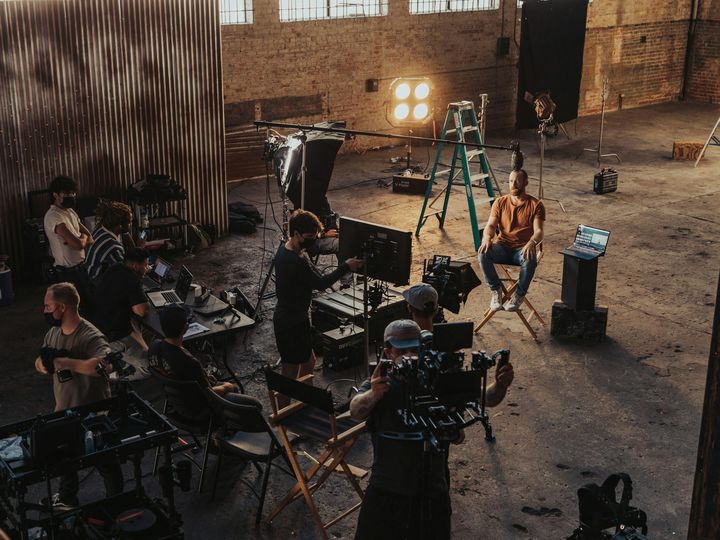
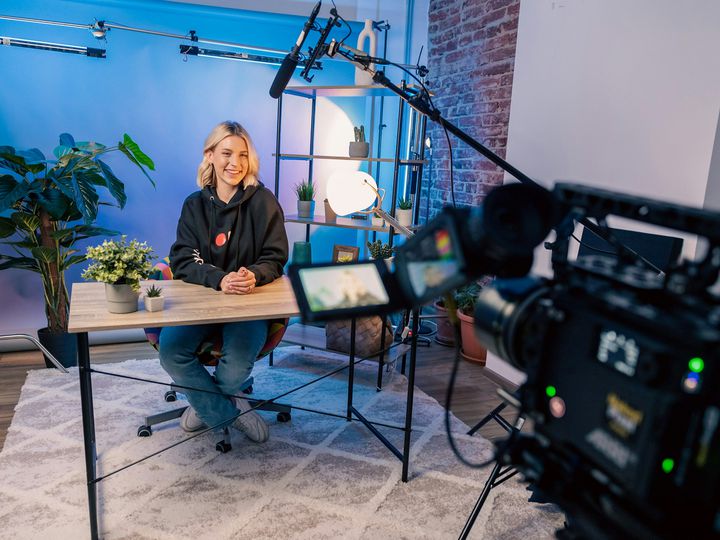
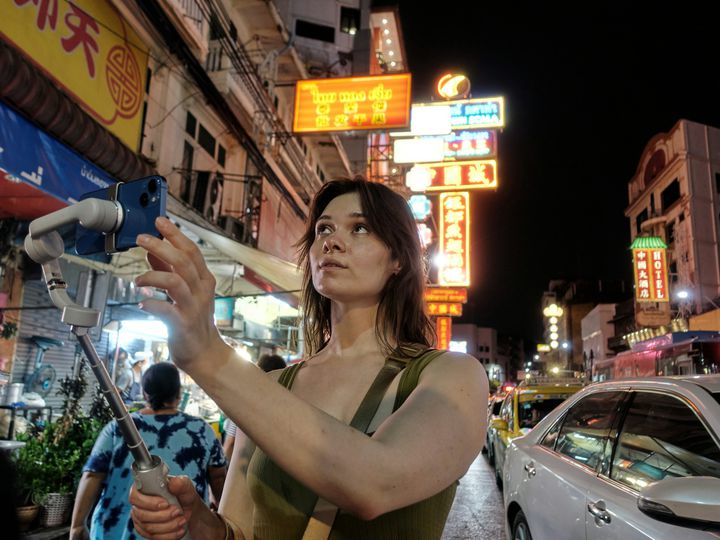
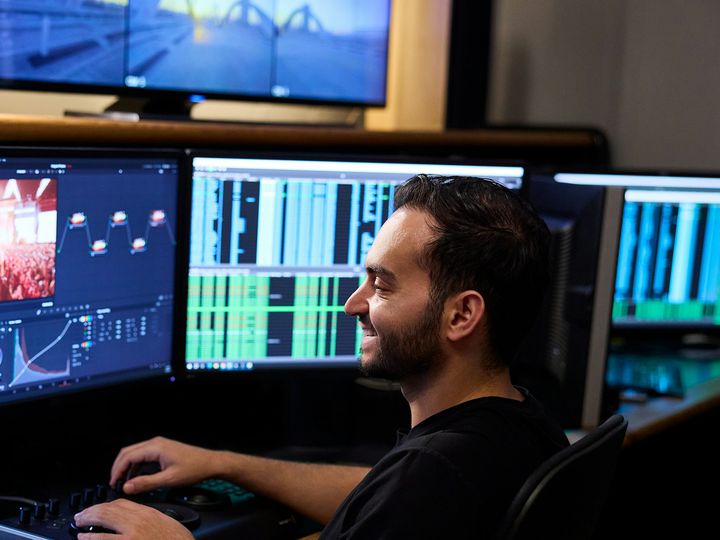
Workflows for the way you publish.
Which tools to use, in what order, and what each step costs for a typical clip.
For developers
Every tool is also an API call.
Caption, translate, reframe or upscale from your own app or pipeline at the same per-second price. The same key and balance also work for the text, image and video models in our catalogue.
curl https://noryva.ai/api/v1/videos \
  -H "Authorization: Bearer $NORYVA_API_KEY" \
  -H "Content-Type: application/json" \
  -d '{
    "model": "video-captions",
    "video": "https://example.com/talk.mp4",
    "seconds": 60,
    "translate_to": "es",
    "burn_in": true
  }'

# Poll GET /v1/videos/{id}, then download
# GET /v1/videos/{id}/content
Also on the same key
- Text
- DeepSeek · Qwen · Kimi · GLM · Doubao · Hunyuan
- Image
- GPT Image · Nano Banana · Midjourney · Qwen Image
- Video
- Veo · Kling · Seedance · Wan · Hailuo
Questions
Before you start.
How is the price worked out?
By the second of video, at the settings you choose. The studio reads the length and resolution of your clip and shows the price before you start. Video Enhancer, Footage Restorer and Low-light Fix cost more for clips over 30 fps.
Do I need a subscription?
No. Add Credits from $10 and pay only for what you process. The same balance works for the API.
What happens if a run fails?
The charge goes back to your balance automatically.
Where is my video processed, and how long is it kept?
By our cloud processing partner, under the Privacy Policy. Uploaded files are deleted automatically within a few days and results after 7 days, so download what you need.
Can I remove watermarks or logos?
No. Subtitle Remover only removes subtitle text, and you should only edit videos you have the rights to.
How long can a clip be?
In the studio, up to 10 minutes per run. Split longer videos into parts.